- Latestly AI
- Posts
- Build a client-ready proposal in 20 minutes. Sell it for $500.
Build a client-ready proposal in 20 minutes. Sell it for $500.
By Sunday night: a system that drafts the proposal, and a business you can sell it as.

Latestly AI
September 05, 2026
In partnership with

🎁 $1,000+ in free AI tools. Expire Weekly Access Offers →
The Future of AI in Marketing. Your Shortcut to Smarter, Faster Marketing.

Unlock a focused set of AI strategies built to streamline your work and maximize impact. This guide delivers the practical tactics and tools marketers need to start seeing results right away:
7 high-impact AI strategies to accelerate your marketing performance
Practical use cases for content creation, lead gen, and personalization
Expert insights into how top marketers are using AI today
A framework to evaluate and implement AI tools efficiently
Stay ahead of the curve with these top strategies AI helped develop for marketers, built for real-world results.
🧭 Build brief
What will you have by Sunday night? |
How does the system work? Input → rough notes from a call: the problem, the budget, the timeline. |
Who should build this? |
What does it improve? |
📦 Build card
💰 Business value Saves 2–3 hrs per proposal. As a service: $400–$1,000 setup + $200–$500/mo. | 🎯 Best for Freelancers, consultants, agencies, service business owners | ⏱ Build time 2 hours |
⭐ Weekend playbook
Step 1: Define the input. Take notes from a real discovery call or client brief. Capture the problem, what they've tried, any budget hints, and the timeline. Example: "12-person marketing agency. Problem: 5 hrs/week lost to manual reporting. Budget: $2K–$5K mentioned. Wants it in 3 weeks."
Step 2: Build the AI layer. The AI turns those notes into a proposal: the problem, the solution, the scope, a timeline, and pricing. It must not invent details you didn't note. It must flag what's missing instead of guessing. Use the copy-paste prompt below.
Step 3: Connect the workflow. Trigger → the discovery call ends. Input → paste your notes into the prompt. AI → drafts the proposal. Action → review it, add one personal line, send it. Storage → save every proposal in one folder, to reuse strong language later.
Step 4: Test and improve. Run it on one real prospect. Check two things. Does the problem statement sound like what the client actually said, not generic? Is the pricing section clear? If not, feed it 1 or 2 of your best past proposals as style examples.
Step 5: Deploy. Make it a habit. Every discovery call gets a proposal within 24 hours. Speed becomes your default, not the exception.
📋 Copy & paste prompt
Use this right after any discovery call:
You are helping me write a client proposal.
Below are my raw notes from a discovery call. Write a proposal with these sections:
The Problem: restate the client's problem in their own words, based only on my notes.
The Solution: what I'm proposing to do about it, in plain language.
Scope: a bullet list of exactly what's included.
Timeline: a realistic timeline based on what I noted.
Investment: 1 or 2 pricing options, based on any budget hints in my notes. If no budget was mentioned, say so and leave a placeholder.
Next Steps: one clear call to action.
Rules:
Only use information from my notes. Do not invent details about the client or their business.
If something important is missing, budget, timeline, or decision maker, flag it clearly at the top instead of guessing.
Keep the tone confident and clear, not salesy.
MY NOTES FROM THE CALL:
[PASTE YOUR NOTES]
When to use it: right after a discovery call, while the details are fresh.
Good output looks like: a proposal that sounds like it was written for that specific client, with clear gaps flagged instead of guessed at.
Slack replies in seconds. Not minutes.
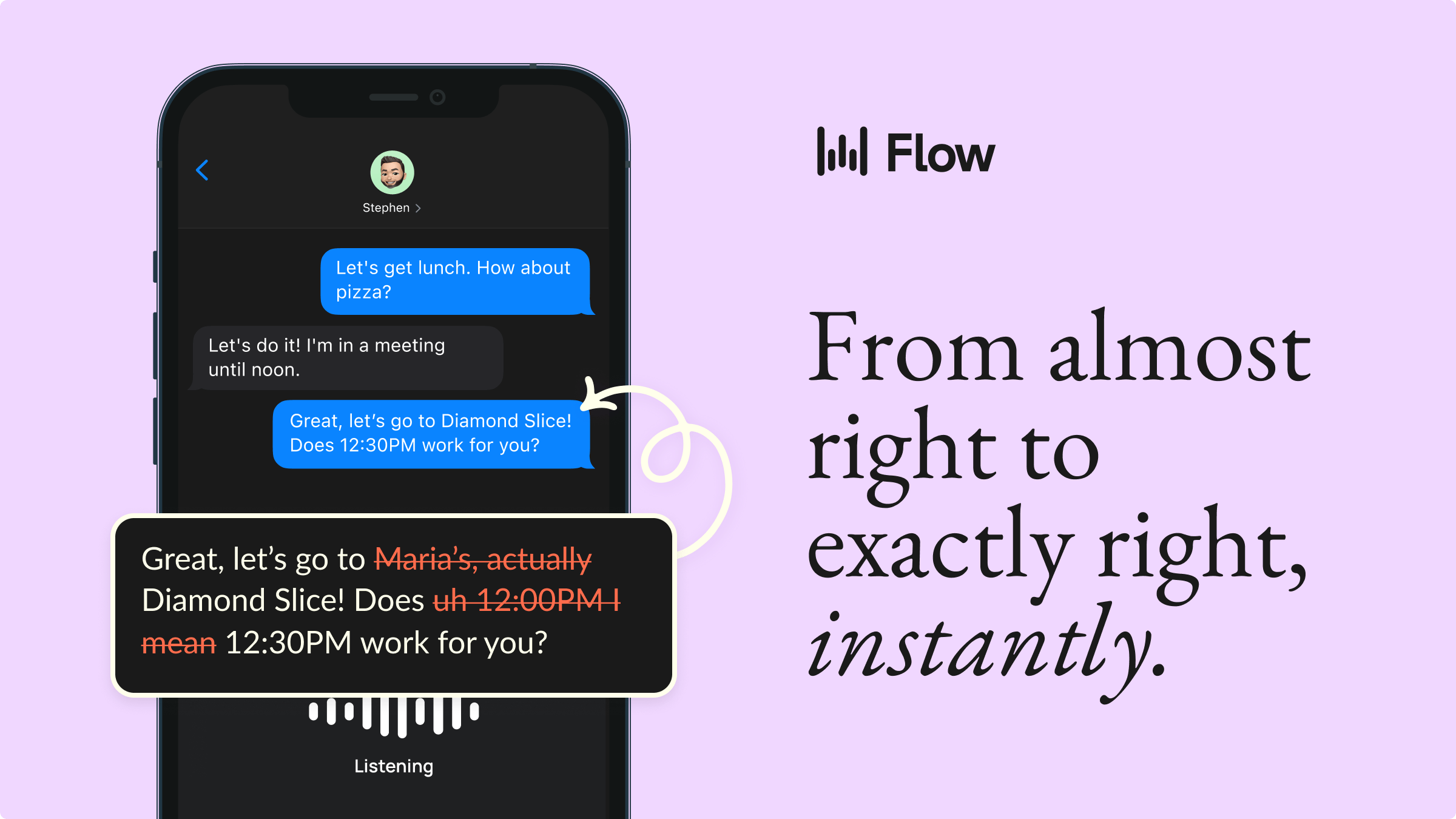
Dictate into Slack, email, LinkedIn, or any app and get polished, send-ready text. Wispr Flow strips filler and formats everything. 89% of messages sent with zero edits. Works on Mac, Windows, and iPhone.
Reach 150.000+ AI decision makers every week. Advertise with us.
🧰 AI stack
ChatGPT or Claude drafts the proposal
Free alternative: Gemini.
Google Docs or Notion where you build and send the final document
Both have solid free plans.
PandaDoc or a similar tool (optional) adds e-signature and open-tracking
Free alternative: just send a Google Doc link and ask for a reply to confirm.
📈 Monetization blueprint
Who buys this: freelancers and consultants who write proposals often and hate doing it. Small agencies wanting one consistent process across a sales team. Service businesses that lose deals to slow follow-up.
What you're selling: every discovery call gets a polished proposal within 24 hours, without spending an evening writing it.
Suggested pricing: $400–$1,000 to build and template the system for a person or small team. $200–$500 a month to maintain and refine it as their offers change.
How to find your first 5 prospects: freelance communities where people complain about slow proposal turnaround. Small agency owners on LinkedIn. Service businesses with a visible "get a quote" form and a sales team.
Common objection: "I already have a template." Answer: ask how long it takes to fill in and personalize for each client. Usually still 1 to 2 hours. This isn't a template. It's the writing, done.
First outreach message: "I noticed you run a lot of discovery calls. I built a system that turns call notes into a ready-to-send proposal in about 20 minutes. Want me to build one for your next prospect, free?"
One idea shouldn't take six rewrites to post.

Posting everywhere means rewriting one idea six times, so you post to one, or none. SureThing turns one idea into native posts for every platform.
Reach 150.000+ AI decision makers every week. Advertise with us.
⚠️ Common mistakes
Sending the draft with no personal touch. This happens when you trust the AI fully. Fix: always add one line referencing something specific from the call.
Letting the AI guess at budget or timeline. This happens when the prompt allows it. Fix: tell it to flag missing info, never guess.
Reusing the same scope for every client. This happens when you skip Step 1. Fix: always base scope on the actual call notes.
Skipping the review step. This happens because the draft looks done. Fix: always read the full proposal before sending, even a fast draft needs one pass.
🔗 Worth trying
✦ Latestly AI partner or affiliate. We may earn from some links. Everything here is selected because we think it's genuinely useful.
PandaDoc turns your proposal into a trackable, signable document, so you know the moment a client opens it.
✦ Notion a free, simple home for your growing library of past proposals.
✦ Xero turns a signed proposal into an invoice in minutes, once the deal closes.
✦ Apollo finds the contact info for the freelancers and agencies you want to pitch this system to.
🏆 Weekend challenge
Take notes from your last real discovery call, or write realistic ones now. Run them through the prompt above. Check if the draft is good enough to send with only light edits.
💬 Latestly AI Take
Most proposals don't lose on price. They lose on Tuesday, when the client already booked a call with someone who followed up first. Speed isn't a nice-to-have in sales. It's the whole game, more often than anyone admits.
Tools referenced: ChatGPT, Claude, Gemini, Google Docs, Notion, PandaDoc, Xero, Apollo. This issue is a how-to guide, not a news report. Tool names, prices, and free-tier limits should be checked on each provider's site before you build, since these change often. Latestly AI is independent. Sponsored content clearly labelled. No undisclosed paid placements.
How was this edition? |
We hope you enjoyed this Latestly AI edition.
📧 Got an AI tool for us to review or do you want to collaborate?
Send us a message and let us know!
Was this edition forwarded to you? Sign up here
Latestly AI is now operated by GHE Operating Company II LLC (174 Good Hope Road, Bluffton, SC 29909), which is responsible for your subscriber data.